

| Release | BloodHound | SharpHound | AzureHound |
| 2026-02-09 | v8.6.0 | v2.9.1 | v2.9.0 |
Last Sign-In from Azure
Track user activity based on last successful sign-in timestamp collected from Entra ID.AzureHound configuration now supports collecting theLastSuccessfulSignInDateTime property for Azure users when the AuditLog.Read.All Microsoft Graph API permission is available.BloodHound displays this information for Azure nodes in the Entity panel.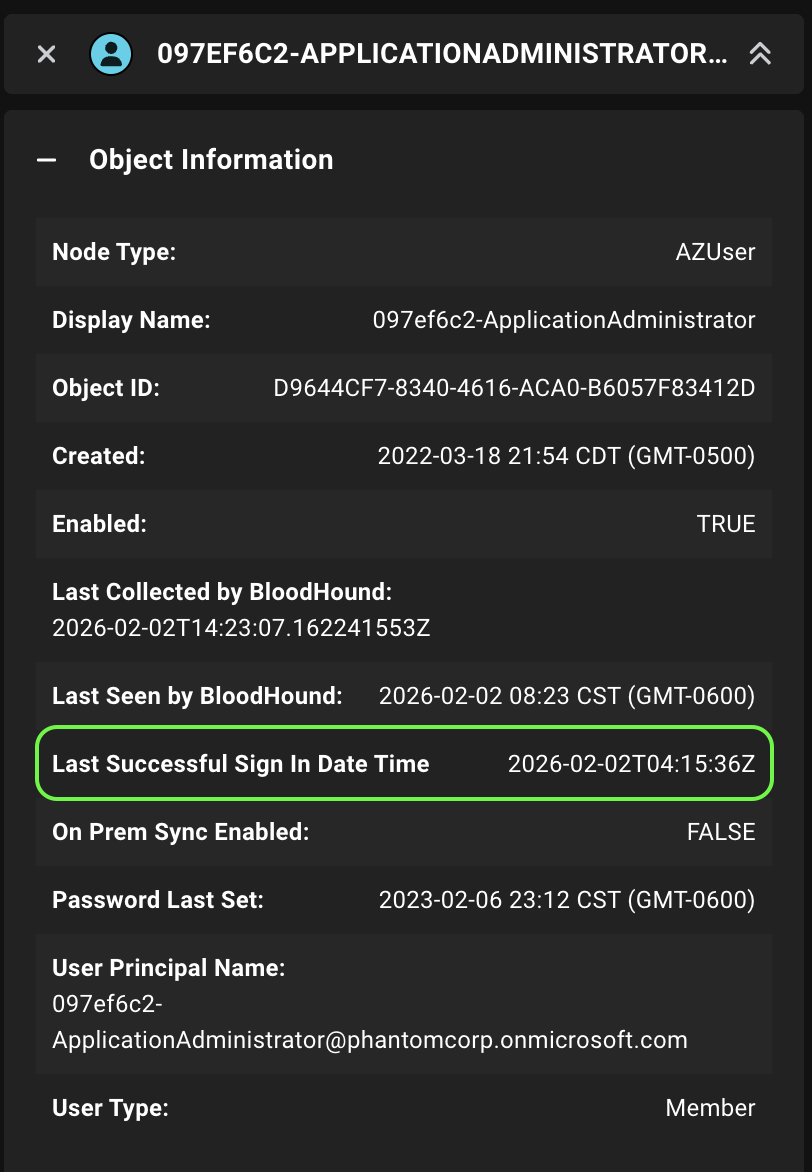
Updated Permissions for Saved Cypher Queries
Edit Cypher queries that you’ve saved and shared with your organization.User and Power User roles can now edit shared Cypher queries (no longer restricted to Admin users). This allows teams to collaborate more effectively by tailoring shared queries based on evolving needs.Cypher Rule Testing
Verify your query before creating a Cypher-based rule.A new Run button makes it more clear that you must run your Cypher query and preview the results before creating the rule.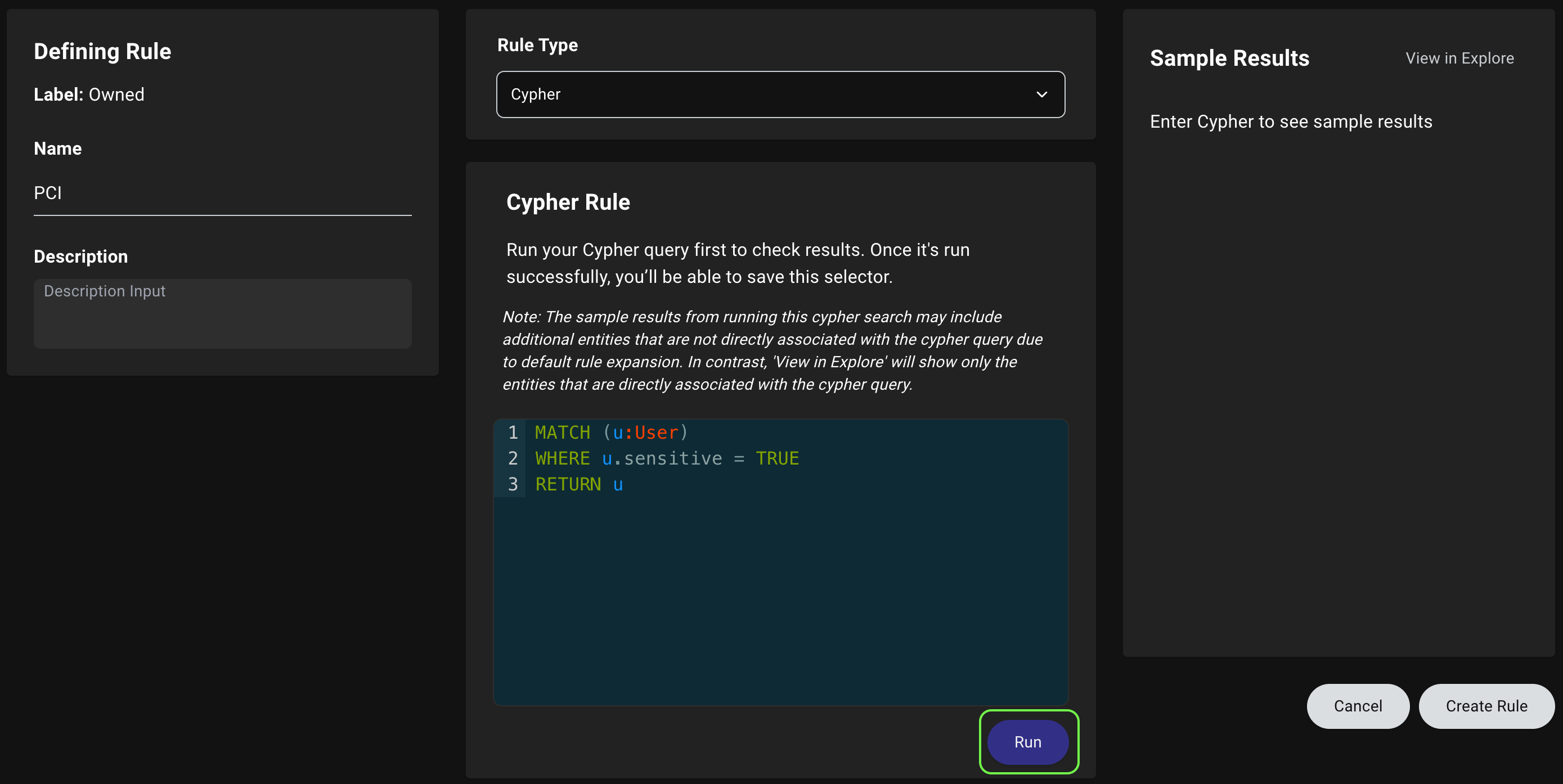
Consistent Certification Terminology
EnterpriseUse consistent language when managing certifications.The Revoke button on the Certifications tab has been renamed to Reject to align with the “Rejected” status filter.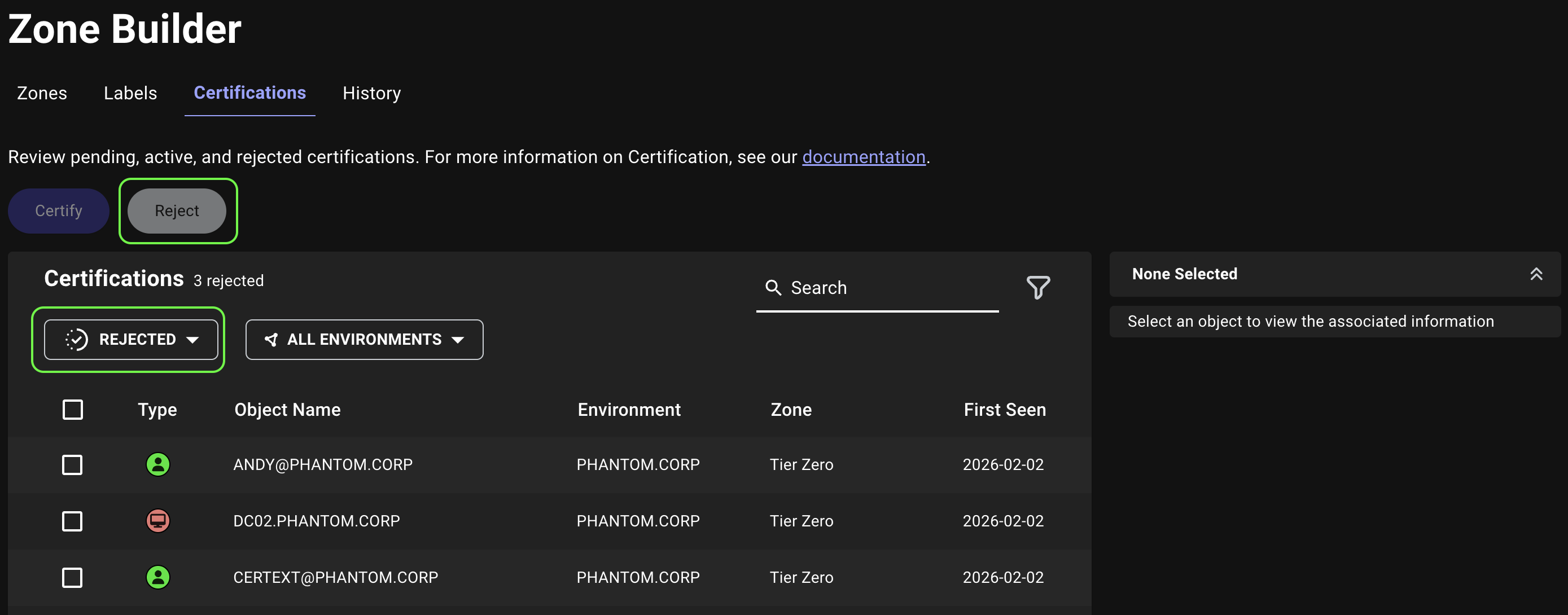
Zone Name in Object Information
Quickly identify the name of the zone that an object belongs to instead of its position in the zone hierarchy.When you select an object on the graph or zone and label Details view, the name of the zone that the object belongs to now appears on the first line of the Object Information panel for clearer context.
BloodHound
Administration
Resolved an issue where default admin configuration failed to populate missing fields when only some values were provided, which could prevent creating the default admin user.API
- Resolved an issue where Active Directory entity API responses omitted the
kindsarray when counts were not included. - Resolved an issue where the List asset group tag member by IDs endpoint returned all members when filtering by a source kind with the
primary_kindfilter. - Resolved an issue where the path of the Get API Spec endpoint in the API Explorer and documentation was incorrect.
Attack Path Analysis
Enterprise- Resolved an issue where the Posture page displayed an error after initial file ingestion.
- Resolved an issue where long-running file ingestion jobs prevented analysis from running.
OpenGraph
Resolved an issue where the File Ingest logs did not surface warnings for partially successful OpenGraph data uploads. Warnings now display alongside errors in the File Ingest table to clarify partial failures.Zone Builder
- Resolved an issue where clicking a rule’s View option in the Object tab on the Zone Builder page didn’t scroll the rule into view.
- Resolved an issue where memory consumption was overestimated, which could cause graph queries to be prematurely cancelled.